
ChenzoBot install guide · about 10 minutes
How to install ChenzoBot and keep it running.
ChenzoBot lets me post and do your outreach from your own computer, so it looks and acts like you. It never sees a password. Watch the one-minute video, then follow the six steps below.
⬇️ Download ChenzoBotSix steps, one time
Set it up once. Then forget about it.
💻 Do this on a computer (Mac or Windows) in Google Chrome, not on your phone or iPad.
- 1
Download ChenzoBot
Click the Download ChenzoBot button on this page (or on your customer page). You’ll get a file called chenzobot.zip in your Downloads folder.
Download ChenzoBot - 2
Unzip it into a folder
Chrome can’t use the zip itself, so don’t drag it into Chrome.
Mac: double-click chenzobot.zip. A folder called chenzobot pops up next to it.
Windows: right-click chenzobot.zip → Extract All… → Extract. You get a folder called chenzobot.
- 3
Open Chrome’s extensions page and turn on Developer mode
Type
chrome://extensionsinto Chrome’s address bar and press Enter (Chrome won’t let a link open it for you).Then flip the Developer mode switch at the top right of that page (circled in red).

- 4
Load unpacked, then pick the folder
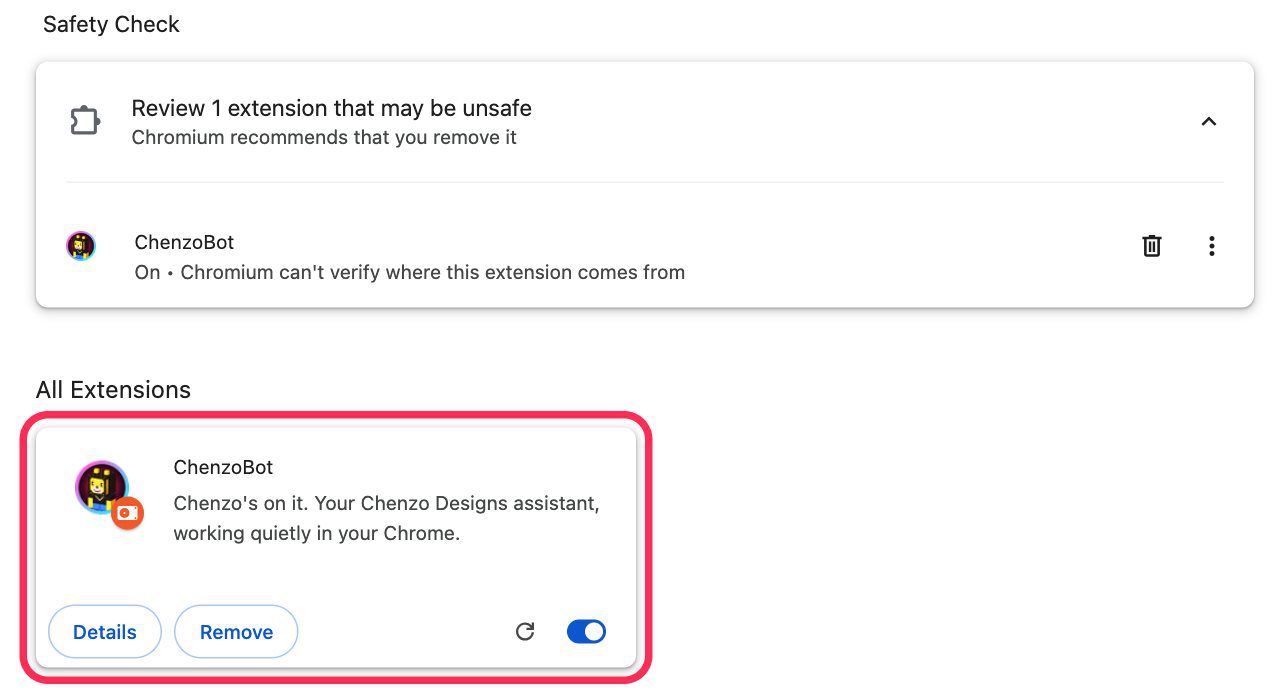
Click Load unpacked (top left), pick the chenzobot folder and click Select. Pick the folder itself, not the zip. A ChenzoBot card shows up on the page.
This is what you’ll see when it worked:
Heads up: Chrome may say it “can’t verify where this extension comes from” or suggest removing it. That’s normal. It comes straight from me, not the Chrome store. Leave it on and don’t click Remove.
- 5
Pin it to your toolbar
Click the 🧩 puzzle piece at the top right of Chrome, then the 📌 pin next to ChenzoBot. Now its icon is always right there.
- 6
Connect it to me
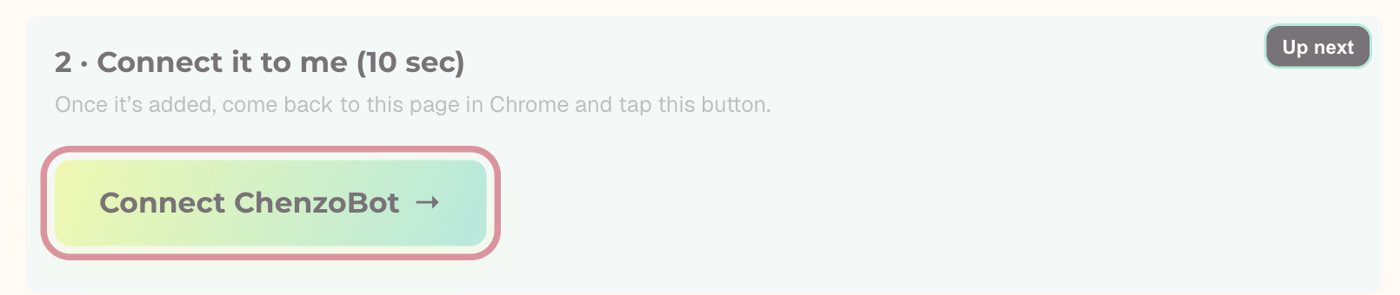
Go back to your customer page on chenzodesigns.com in that same Chrome, find the Your last steps card and tap 🔌 Connect ChenzoBot. Click the ChenzoBot icon: a ✅ means we’re linked. That’s it.
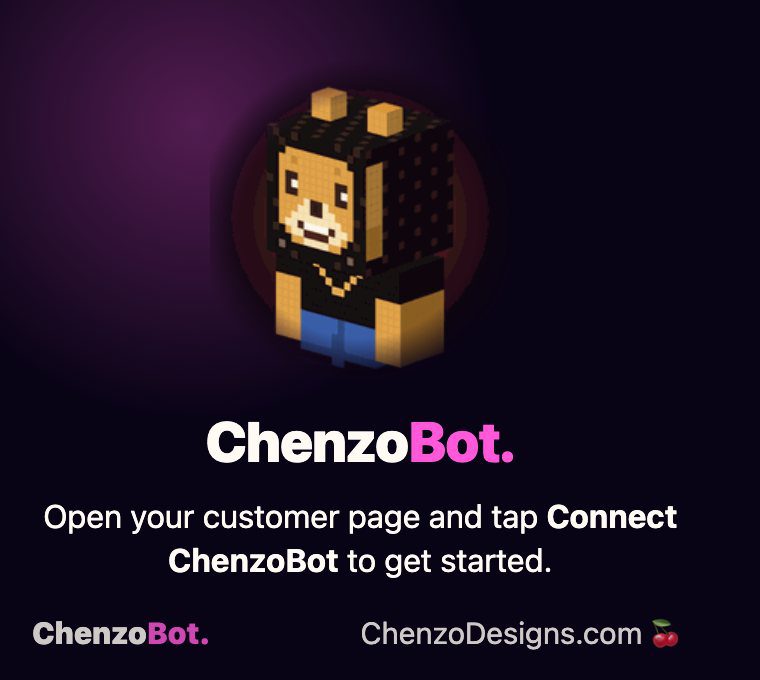
Before you connect, the ChenzoBot icon looks like this. After you tap Connect, it shows a ✅.


After that
Just leave Chrome open. I’ve got the rest.
ChenzoBot keeps your computer awake on its own. Nothing to set up. That’s it.
🌐Keep Chrome open
Minimized is fine.
🔐Stay logged in
To the sites I’m handling for you.
🧩Leave ChenzoBot on
If Chrome asks to disable it, just close the popup.
🔁New computer?
Text me, I’ll send a fresh link.
Quick self-check
Click the ChenzoBot icon. Green check = working.
No check? Make sure the computer’s awake, Chrome is open and you’re logged in, then tap Connect ChenzoBot on your customer page again. Still stuck, send me a note from ChenzoBot or text me.
Questions
Straight answers
Does ChenzoBot see my passwords?
No. It never sees or stores a password. You log in yourself, and it works inside the sessions you’re already logged into.
Do I have to change any sleep settings?
Nope. ChenzoBot keeps your computer awake by itself while Chrome is open. Just don’t shut it down, and on a laptop leave the lid open.
Can I still use my computer and Chrome normally?
Totally. Use it like always. Just don’t quit Chrome for good or log out of the sites I’m working on.
Can I install it on my phone or iPad?
No, it needs Google Chrome on a Mac or Windows computer.
Chrome says “Disable developer mode extensions”. What do I do?
Close that popup or click away. Don’t click Disable, or ChenzoBot stops working.
I got a new computer. Now what?
Text me and I’ll send a fresh connect link, then run the six steps on the new computer.